
SOFTWARE FOR KENYAN INSURANCE BROKERS
Tech-Idea Insurance Brokerage Software
Manage policies, renewals, claims, commissions and brokerage accounts. Apply for the six-month free pilot for Kenyan insurance brokers.
Apply for the Brokerage Pilot Take the Product Tour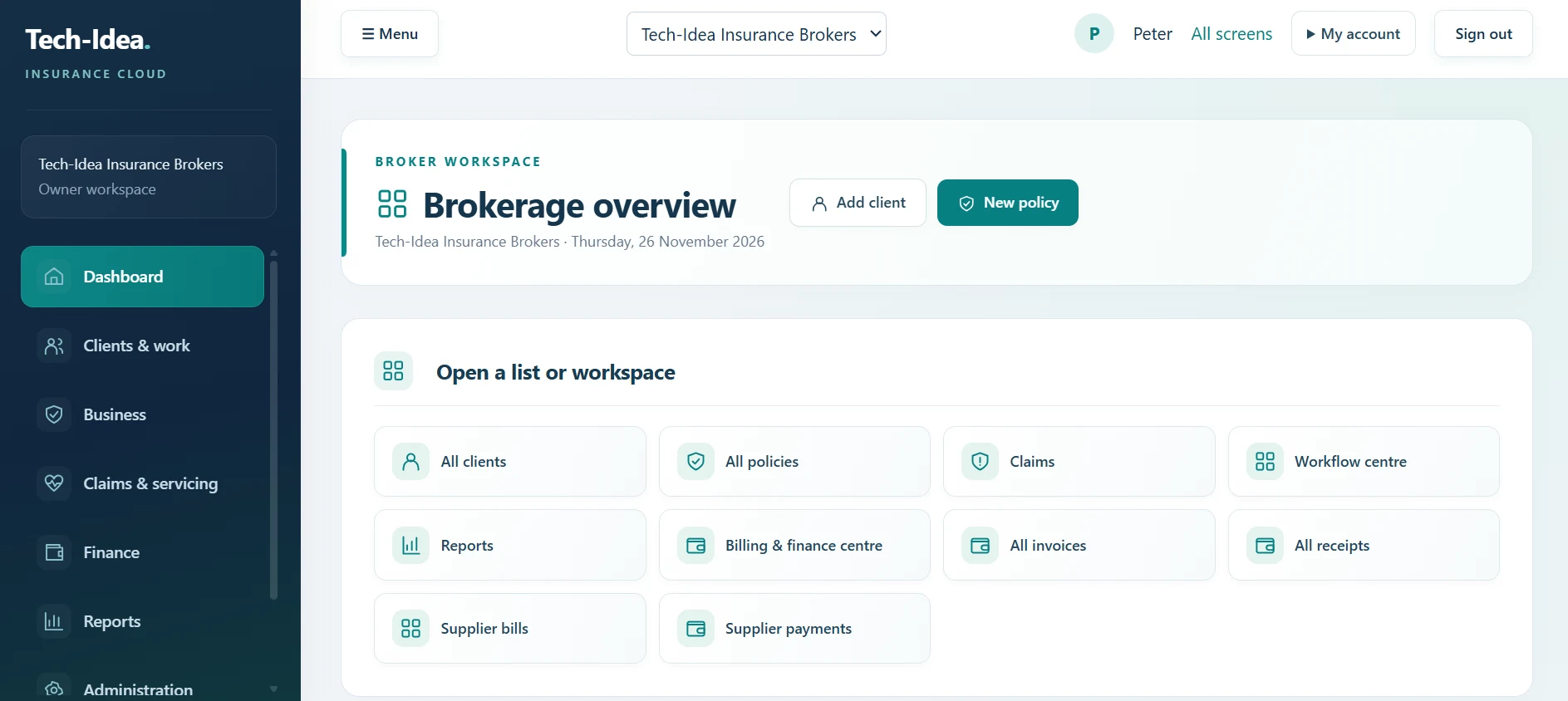
A redesigned policy workspace
Keep client and insurer records together with policy documents, premiums and renewal dates. The latest release brings a redesigned policy workspace and improved mobile layout for brokerage teams.
Client and insurer records
Policy processing and renewal tracking
Claims tracking and follow-up
Premium billing and payment records
Brokerage accounting and commission tracking
Client portal and brokerage reports
Explore the Insurance Brokerage workspace
Choose a workflow. Click a marker on the screenshot or read the steps below it.
Issue a policy
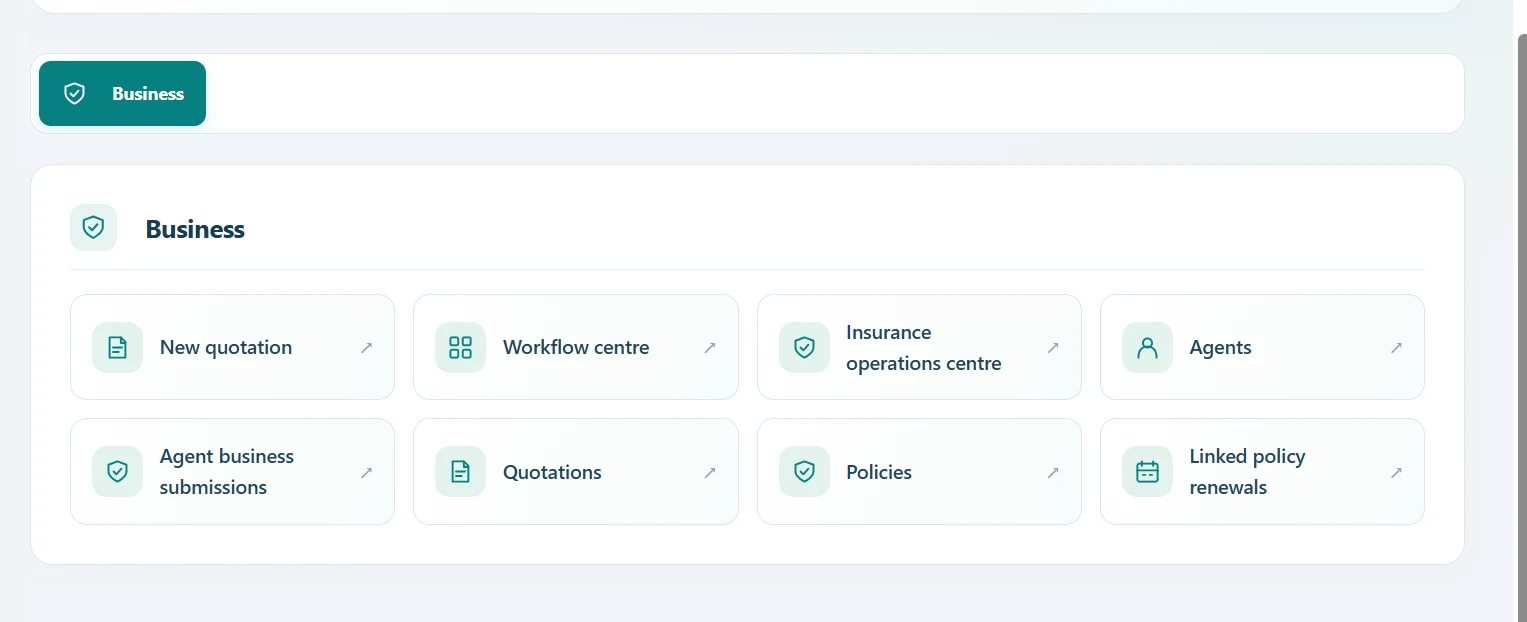
Start from New policy on the Brokerage overview.
Issue a policy in practice
- Open New policy and select the client and insurer.
- Enter the cover dates and review the policy terms and premium against the insurer’s documents.
- Save the policy record and check that the renewal date and supporting documents are recorded.
Record a claim
Start from Claims on the Brokerage overview.
Record a claim in practice
- Open Claims and start a claim against the relevant policy.
- Record the incident details and attach supporting documents as they become available.
- Save the claim and use its status to track follow-up with the insurer.
Review linked renewals
Start from Linked policy renewals in the Business workspace.
Review linked renewals in practice
- Open Linked policy renewals to find the policies due for follow-up.
- Open a renewal and check its link to the expiring policy before updating the record.
Manage brokerage settings and access
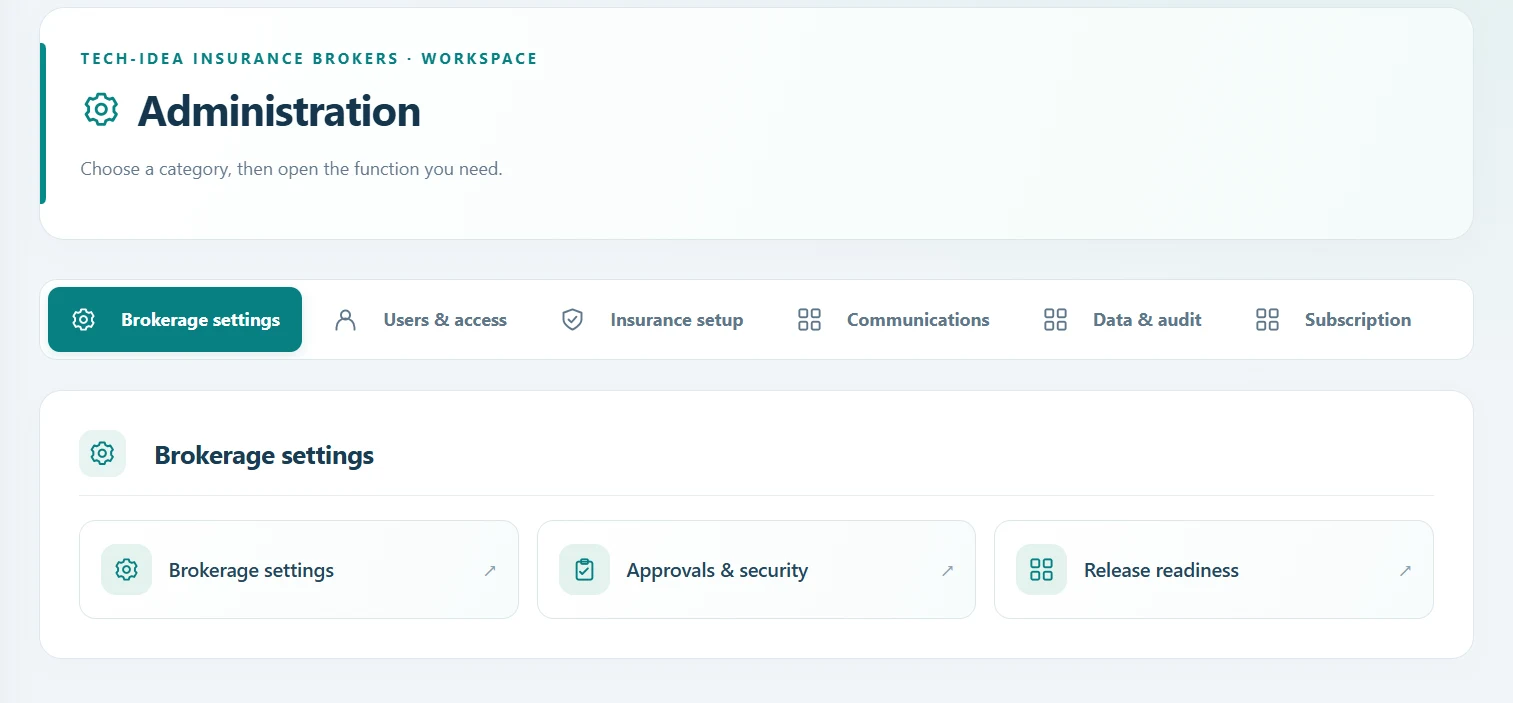
Start from the Administration workspace.
Manage brokerage settings and access in practice
- Open Brokerage settings to review available configuration.
- Use Users & access to review staff access, or Data & audit to review activity options.
Try a six-month free subscription
Apply for the pilot and tell us how your brokerage currently manages policies, renewals and claims.
Apply for the Brokerage Pilot